Short answer
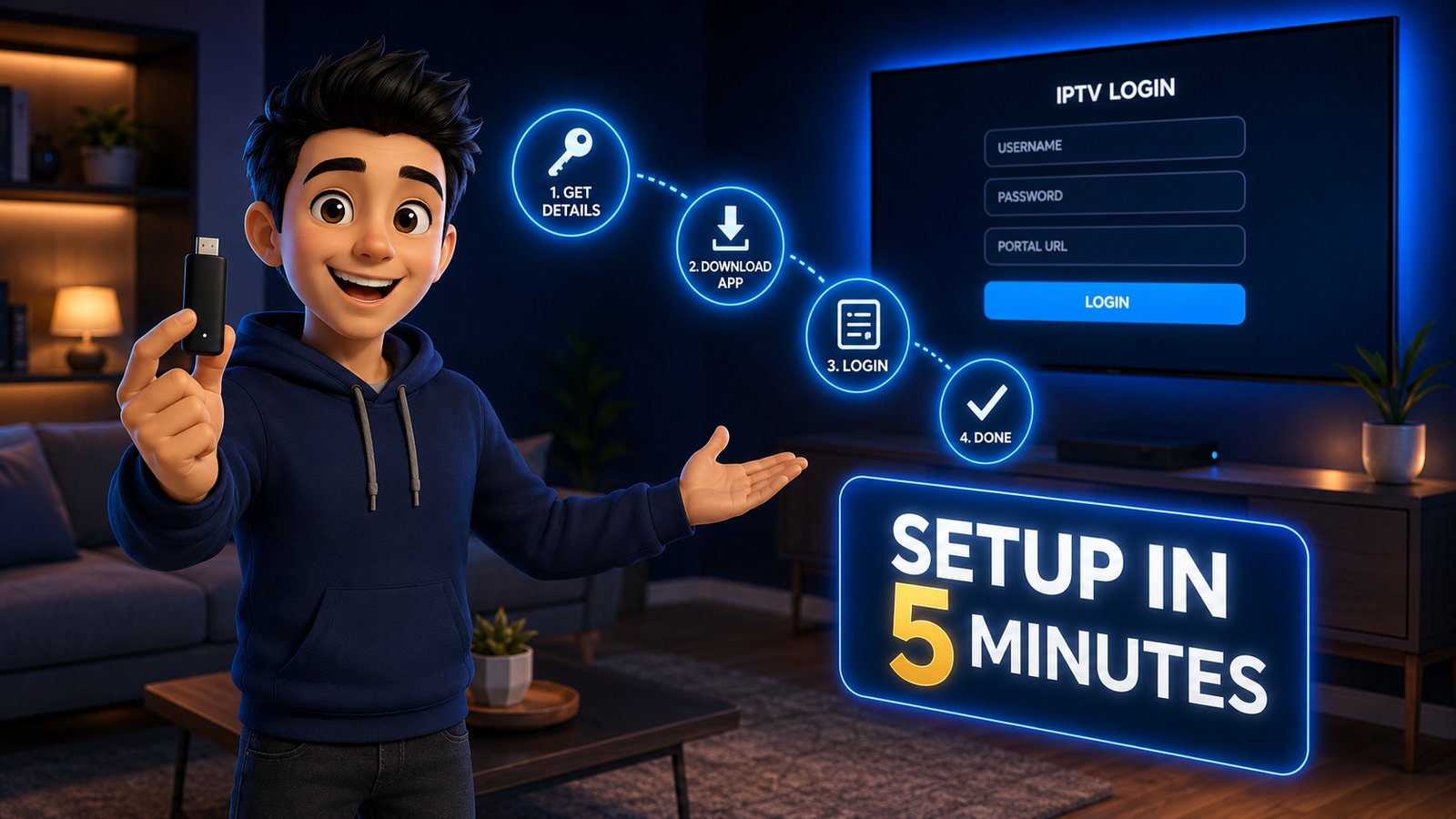
OttOcean does not have its own app, and there is no OttOcean APK. You install a standard IPTV player and enter the login we send after payment. Best picks: TiviMate or IPTV Smarters Pro on Firestick and Android TV, IBO Player on Samsung and LG, Smarters Player Lite on iPhone and Apple TV, and the portal URL on MAG boxes. Choose the Xtream Codes login, type the server URL, username and password exactly as sent, and the channels and 7-day guide load in a few minutes.
This page answers the two things people search for after ordering: “Where is the OttOcean app?” and “Where does my login go?”
If a website offers you an “OttOcean APK”, it is not from us. Players come from the Amazon Appstore, Google Play, the App Store, your TV’s store or their developer’s own site. Install from there, and use the login from your order.
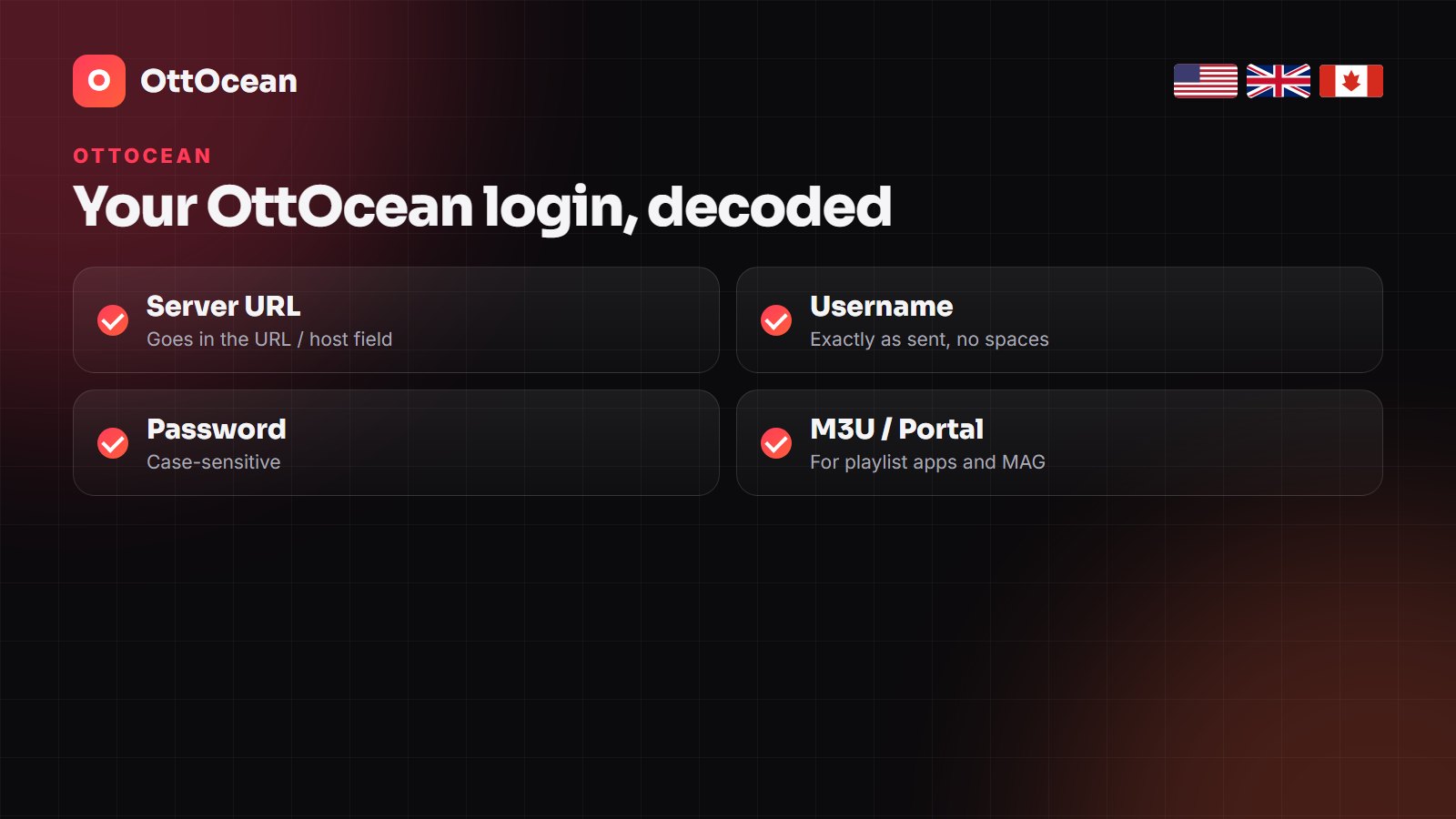
What is in your OttOcean login
After payment you receive, on WhatsApp or by email:
- Server URL (also called host or portal address) — starts with http:// and usually ends with a port number such as :8080.
- Username and password — case-sensitive, no spaces.
- M3U link — one long URL with the username and password inside it, for playlist-style apps.
- Portal URL — for MAG and Formuler boxes, on request (send us the box’s MAC address).
Which player for which device
| Device | Best player | Login type |
|---|---|---|
| Firestick / Fire TV | TiviMate or IPTV Smarters Pro | Xtream Codes |
| Android TV box, Nvidia Shield | TiviMate | Xtream Codes |
| Samsung / LG Smart TV | IBO Player or Smart IPTV | MAC + device key |
| iPhone, iPad, Apple TV | Smarters Player Lite or IPTVX | Xtream Codes |
| Android phone or tablet | IPTV Smarters Pro | Xtream Codes |
| MAG 322 / 424 / 524 | Built-in portal | Portal URL |
| Windows / Mac | IPTV Smarters desktop or VLC | Xtream Codes or M3U |
If you want the long version of these comparisons, our Firestick guide and Smart TV guide go device by device.
Logging in with TiviMate
- Install TiviMate (on Firestick, through the Downloader app).
- Open it and choose Add playlist → Xtream Codes.
- Enter the server URL, username and password, then press Next.
- Name the playlist OttOcean, keep the EPG source TiviMate suggests, and finish.
- Wait for the guide to fill (up to fifteen minutes the first time).
TiviMate Premium (a small yearly fee to its developer) adds recording, catch-up and multiple playlists. It is worth it if you watch mostly live TV.
Logging in with IPTV Smarters Pro
- Open IPTV Smarters and choose Login with Xtream Codes API.
- Any name, then username, password and the server URL.
- Press Add user and open Live TV, Movies or Series.
Samsung and LG TVs: the MAC address step
Smart TV players such as IBO Player show a MAC address and a device key on their first screen. Send both to us on WhatsApp with your order number and we load your OttOcean playlist for you; restart the app and the channels appear. These apps usually charge their developer a small one-off activation fee after a trial period.
Common OttOcean login errors and fixes
| What you see | Usual cause | Fix |
|---|---|---|
| Invalid username or password | A space or wrong capital letter | Retype both by hand |
| Unable to connect / server error | URL missing http:// or the port | Copy the full server URL |
| Channels load, guide empty | EPG still downloading or wrong time zone | Wait 15 minutes, set time zone, refresh EPG |
| Account expired | Plan ended or wrong line | Check the expiry in the app, message support |
| Buffering on one channel | Server node busy | Ask support to switch your node |
Still stuck? Message us on WhatsApp with a photo of the error screen; most fixes take less than five minutes. For picture problems, see how to fix IPTV buffering.
Installing OttOcean on several devices
You can install the same login on every device in the house. The number of screens playing at the same time depends on your plan: one on Starter and Plus, two on Pro, Ultimate and Legend. See the OttOcean price guide for the plan details, or our OttOcean IPTV review for the full picture.
Frequently Asked Questions
Is there an OttOcean app?
No. OttOcean is an IPTV line that works in standard players such as TiviMate, IPTV Smarters Pro, IBO Player and Smarters Player Lite.
Is there an OttOcean APK?
No official APK exists. Install players only from official app stores or the player developer’s website.
What is the best app for OttOcean?
TiviMate on Firestick and Android TV, IBO Player on Samsung and LG, and Smarters Player Lite on Apple devices.
Where do I find my OttOcean login?
In the WhatsApp message or email sent after payment: server URL, username, password and M3U link.
Why does OttOcean say invalid login?
Usually a space or wrong capital letter in the username or password, or a server URL without http:// and the port. Retype them by hand.
Can I use OttOcean on more than one device?
Yes, install it everywhere; Pro, Ultimate and Legend plans allow two screens at the same time.
Get your OttOcean login.
Works in every major player. Most lines are live within 10 minutes of payment.