Short answer
You do not need a jailbroken Firestick to watch IPTV. You need three things: Apps from Unknown Sources switched on in Developer Options, a player app sideloaded through the Downloader app, and your provider’s Xtream Codes login or M3U link typed in once. That is the whole job, and it takes about six minutes. The part people get wrong is everything after: an older 1st or 2nd generation stick trying to decode 4K, Wi-Fi crossing two walls instead of an Ethernet adapter, and a player set to a tiny buffer. Fix those three and the same line that stuttered yesterday plays cleanly tonight. ottocean works on any Firestick with Xtream Codes or M3U, and every plan is covered by a 7-day money-back guarantee.
The Amazon Fire TV Stick became the default IPTV device for a simple reason: it costs less than a takeaway, it plugs into any TV made this century, and it runs Android underneath, so it will install apps Amazon never put in its store. That last part is also why the internet is full of nonsense about it — “jailbroken” sticks sold on marketplaces, magic builds that “unlock every channel”, cloned apps with names one letter off the real one. None of that is necessary and most of it is a bad idea. This guide is the version without the theatre: which stick you actually have, which app to install, how to point it at your subscription, and the settings that decide whether a match plays smoothly or breaks up at kick-off.
First, Work Out Which Firestick You Own
Every buffering thread about Firesticks eventually splits into two groups: people whose device is fine and people running a stick that came out when Ultra HD was a novelty. Before you change a single setting, check which one you are. Go to Settings → My Fire TV → About and read the device name.
| Model | RAM | Verdict for IPTV |
|---|---|---|
| Fire TV Stick (1st / 2nd gen, 2014–2016) | 1 GB | Struggles. Fine for SD, will stutter on busy HD streams. Replace it. |
| Fire TV Stick Lite / 3rd gen (2020) | 1 GB | Workable for HD. Keep the app list short and reboot it weekly. |
| Fire TV Stick 4K (2018) | 1.5 GB | Good. The sweet spot for most IPTV setups. |
| Fire TV Stick 4K Max (2021 / 2023) | 2 GB | Best. Wi-Fi 6, faster decode, handles 4K streams and heavy EPG lists without sweating. |
If you are on a 1st or 2nd generation stick, stop troubleshooting. A 4K Max costs less than two months of most subscriptions and it removes an entire category of problem. If you are on anything from 2018 onwards, the device is not your bottleneck and the rest of this guide will fix what is.
The “Jailbroken Firestick” Myth
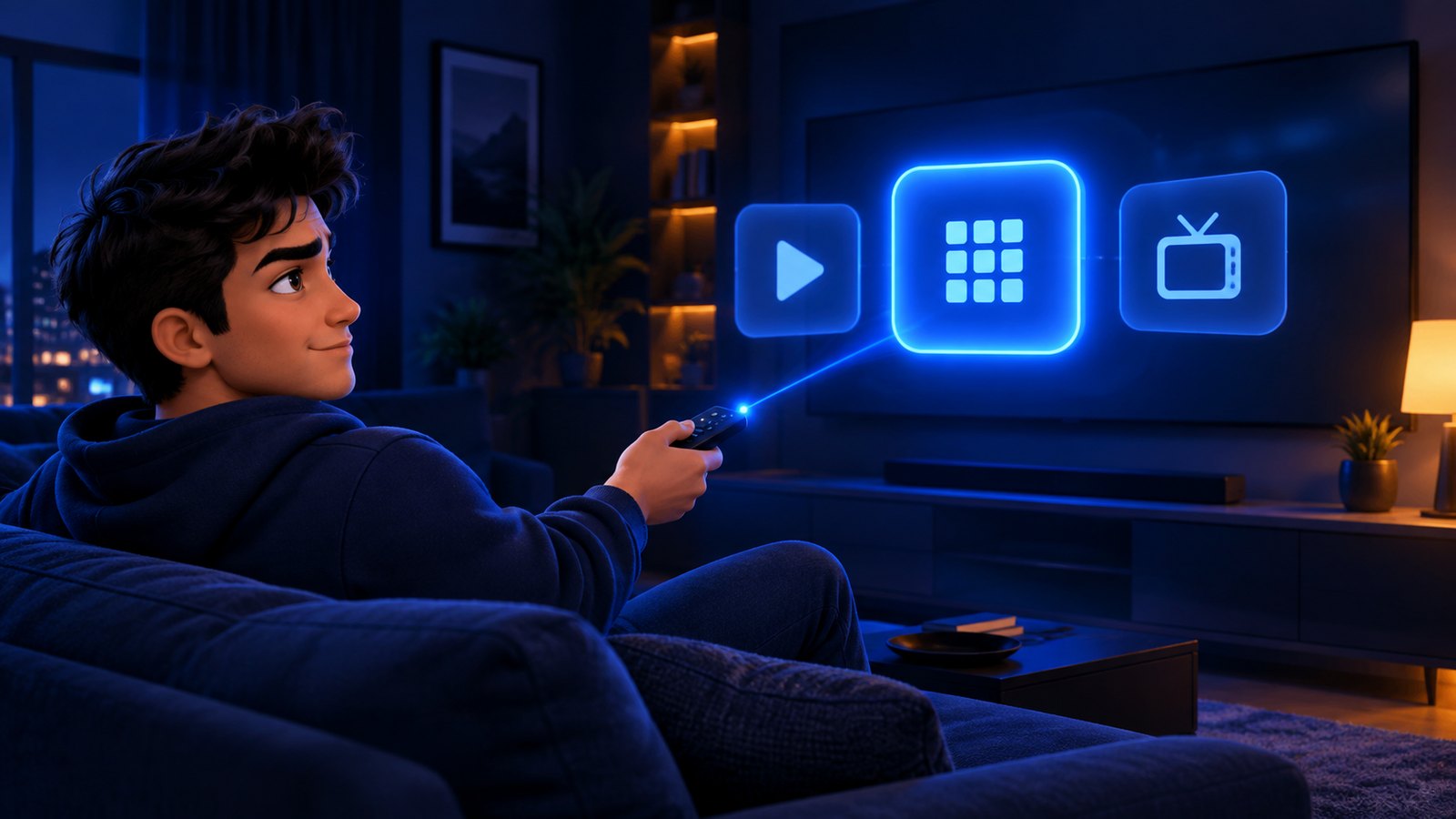
Marketplace listings are full of “jailbroken”, “unlocked” or “fully loaded” Fire TV Sticks. Here is what that phrase actually describes: someone has gone into Settings, enabled sideloading from unknown sources, installed a handful of free apps, and is charging you three times the price of the stick for ninety seconds of work you can do yourself.
There is no jailbreak. The Firestick runs Fire OS, a fork of Android, and Amazon leaves a documented switch in the settings that allows apps from outside its store. Flicking that switch is not a hack, it does not void anything, and it does not need a factory reset. Anyone selling you a “pre-loaded” stick is selling convenience at a heavy markup, often with cloned apps that carry ads, trackers, or worse.
Two practical consequences. First, never buy a preconfigured stick from a marketplace seller — you have no idea what is on it and you cannot audit it. Second, ignore any provider whose instructions start with “first jailbreak your device”. A legitimate IPTV service gives you a username, a password and a server URL, and those work in ordinary player apps on an ordinary device.
Which IPTV App to Use on Firestick
Your subscription is a line. The app is only the window you look through it. A good player will not rescue a weak provider, but a bad player absolutely can ruin a strong one — usually through a tiny buffer, a broken EPG parser, or bloated menus that choke 1 GB of RAM.
Three players cover almost everyone on Fire TV:
- IPTV Smarters Pro — the default recommendation. Takes Xtream Codes logins directly, sensible EPG handling, catch-up support, works on every Firestick generation. If you are not sure, start here.
- TiviMate — the enthusiast’s choice. The cleanest channel-list and EPG experience on Fire TV by a distance, with proper recording and multi-playlist support in the paid tier. Slightly steeper learning curve, and the good parts sit behind a one-off premium unlock.
- XCIPTV — a solid middle ground with a good-looking interface and multi-screen support. Handy if Smarters and your line disagree about EPG timezones.
Two rules regardless of which you pick. Install it from a source you trust — the developer’s own download page through the Downloader app, not a random APK mirror with a name one character off. And install one. Three half-configured players on a 1 GB stick is a self-inflicted performance problem, and it makes every troubleshooting step ambiguous.
How to Install IPTV on a Firestick, Step by Step
This is the whole process. Six steps, roughly six minutes, no reset required.
- Enable sideloading. Settings → My Fire TV → Developer Options → turn on Apps from Unknown Sources. On newer sticks you may need to open Settings → My Fire TV → About and click the device name seven times first to reveal Developer Options.
- Install Downloader. Search the Amazon Appstore for “Downloader” (the orange icon by AFTVnews) and install it. This is a normal, approved Amazon app.
- Allow Downloader to install apps. Back in Developer Options, or Settings → Applications, grant Downloader permission to install unknown apps.
- Download the player. Open Downloader, type the official download URL for your chosen app, install it when it finishes, then delete the APK file when prompted to free space.
- Add your line. Open the player, choose Login with Xtream Codes API, and enter the server URL, username and password from your subscription email. If your provider only gave you an M3U link, choose Load Your Playlist and paste it instead. Xtream Codes is the better option when you have the choice — it pulls the EPG in automatically.
- Let it load. The first channel-list and guide sync takes a few minutes on a large playlist. Do not force-close it halfway; that is where most “the EPG is empty” complaints come from.
That is it. The same six steps work on a Fire TV Cube, a Fire TV built into a television, and every stick from 2016 onwards. Our full device-by-device walkthrough, including Smart TVs, phones and MAG boxes, is in the setup guide. If you would rather use the television itself than a stick, the Smart TV guide covers Samsung, LG and Android TV.
The Four Settings That Decide Your Picture Quality
Once the app is installed, four things separate a clean stream from a stuttering one. They matter far more than which player you chose.
1. Get the stick off Wi-Fi if you can
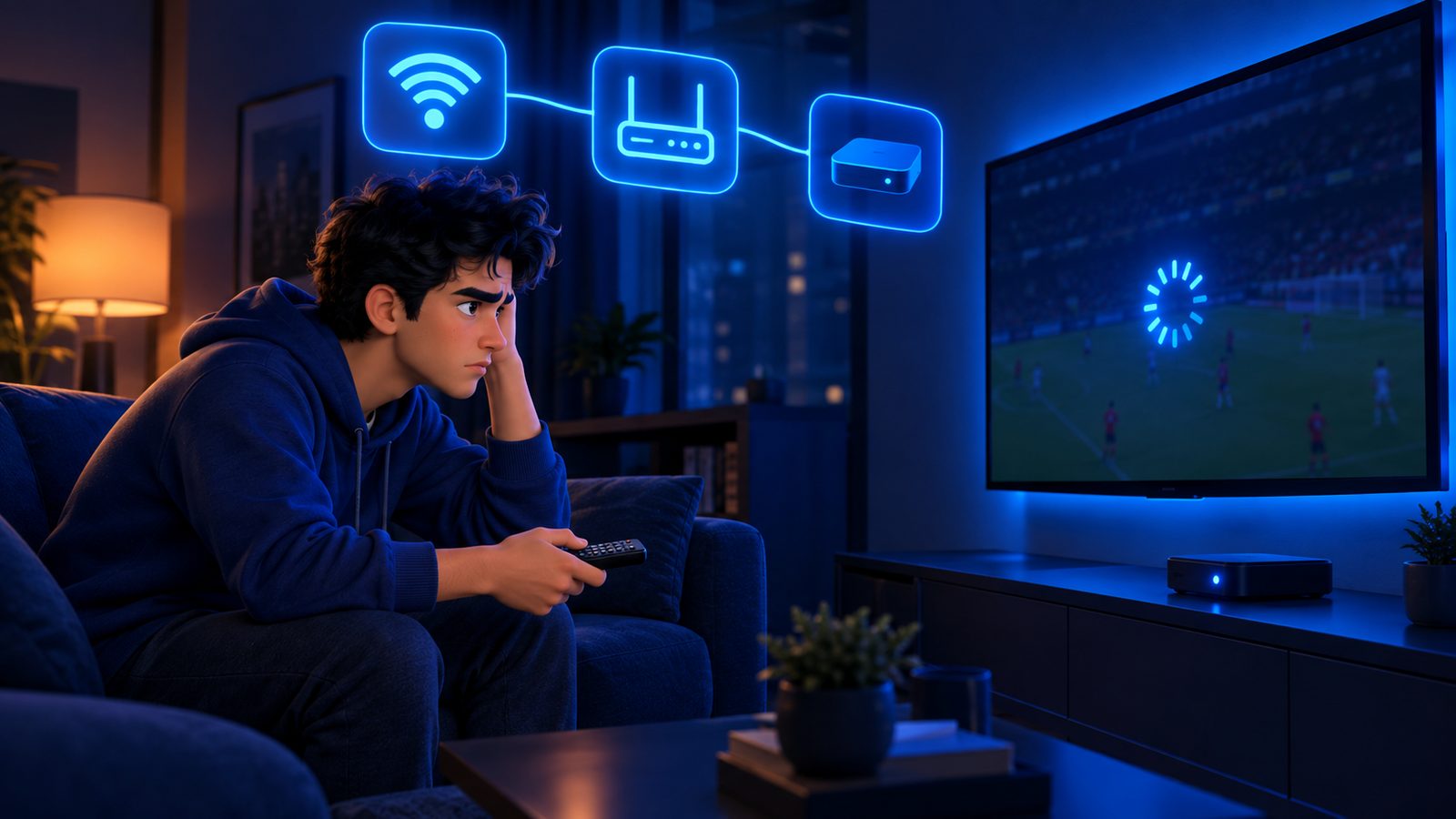
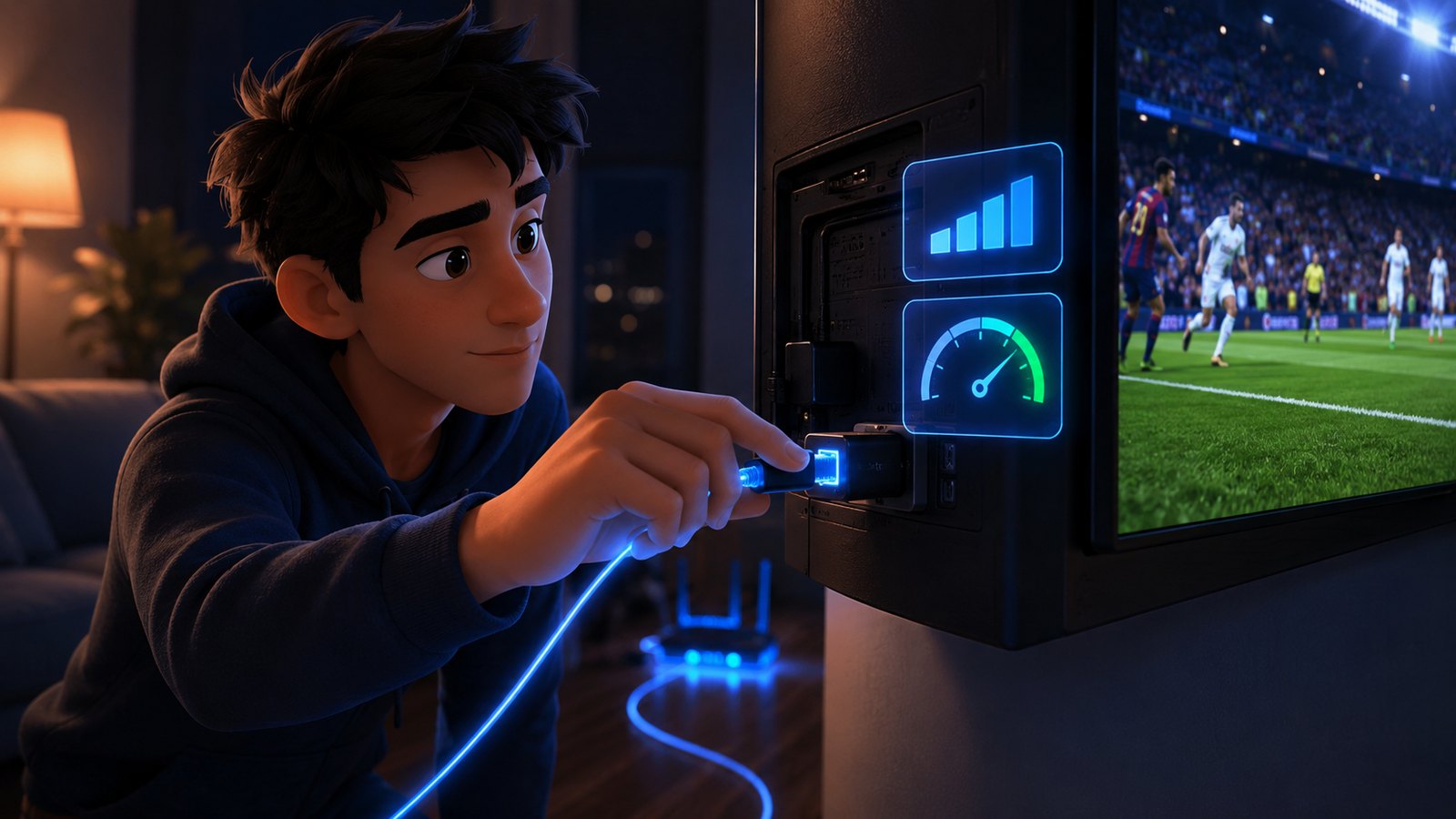
A Firestick’s aerial is a few millimetres of metal inside a plastic stick, jammed into an HDMI port behind a large sheet of metal and glass. It is the weakest link in most setups. An official Amazon Ethernet adapter costs about the price of a takeaway coffee and plugs into the stick’s power port. If you cannot run a cable, move the router, add a mesh node in the same room, or at minimum force the 5 GHz band rather than 2.4 GHz.
2. Raise the buffer, but only a little
In IPTV Smarters that is Settings → Player Selection, where you can change the decoder and the buffer size. A buffer of two to four seconds absorbs the small network hiccups that cause stutter. Do not crank it to the maximum — a huge buffer just means you wait longer before the stutter arrives, and channel switching becomes painful.
3. Match the stick’s output to the stream
Forcing 4K 60 Hz output when the channel is broadcasting 1080p makes the device upscale every frame in real time. On a 1 GB stick that is wasted work and dropped frames. Settings → Display & Sounds → Display → Video Resolution → Auto is almost always correct. Touch Match Frame Rate only if you can see judder.
4. Clear the clutter
Uninstall the apps you do not use, turn off Featured Content video and audio autoplay under Display & Sounds, and reboot the stick weekly (Settings → My Fire TV → Restart). Fire OS is aggressive about background updates, and a stick that has been on for six weeks is running a lot of things you did not ask for.
If the picture still breaks up after all four, the problem has moved past the device. Our nine-step buffering guide works through the line itself, your ISP, and the peak-time load that causes most real failures.
Do You Need a VPN on a Firestick?
Not to make IPTV work. A legitimate subscription plays without one, and adding a VPN introduces an extra hop, encryption overhead, and a server that may be slower than your own connection. On a 1 GB stick, a VPN app running alongside a player is real CPU load.
There are two honest reasons to run one. Some ISPs throttle sustained video traffic during peak hours, and a VPN can sidestep that — you will know because your streams degrade at roughly the same time every evening while speed tests look fine. And some people simply want their traffic private on principle, which is their call. If you do run one, pick a server geographically close to you, use the provider’s own Fire TV app rather than a sideloaded phone build, and test with it off first so you know which layer is causing what.
Red Flags When Buying IPTV “for Firestick”
Because the Firestick crowd is large and largely non-technical, it attracts the worst sellers. The patterns repeat:
- “Comes pre-installed on a stick we post you.” You are paying a markup for a device you cannot verify, and you lose your service the moment that seller vanishes.
- “You must use our own app.” A proprietary app that only works with one seller is a lock-in device. Xtream Codes and M3U are open standards; insist on them so you can change player or provider without changing anything else.
- No website, no prices, WhatsApp only. A business that will not publish what it charges is a business that can change the deal after you have paid.
- “Lifetime subscription.” Streaming has a monthly server cost. Nobody can sell a lifetime of it for a one-off fee and still be there next year.
- A free trial instead of a refund policy. A trial runs on a quiet test server and proves very little, while a published refund window puts you on the same line as every other customer.
The Verdict
The Fire TV Stick is genuinely good hardware for IPTV, and almost every problem blamed on it belongs to something else — a 2015 device, a Wi-Fi signal crossing two walls, three players fighting over 1 GB of RAM, or a provider whose line falls over the moment a match starts. Buy a 4K or 4K Max, add an Ethernet adapter, install one player from an official source, log in with Xtream Codes, and leave the settings sensible. Nothing about that requires a jailbreak, a build, or a stick posted to you by a stranger.
What it does require is a service that holds up when the server is full. ottocean runs one line for every customer, publishes its plans and prices, supports Xtream Codes and M3U in any player you like, and backs it with a 7-day money-back guarantee — so you can set the stick up properly, watch a full match weekend, and decide with your money still in reach.
More Firestick Reading
The Firestick is the most common IPTV box in the world, so there is no shortage of setup notes. These three are worth a look.
- Tivo8K — explains which Firestick models actually cope with 4K playback.
- IPPlayTV — walks through the same sideloading route on a slightly different player.
- KiloTV — useful for getting an M3U playlist onto a stick without a keyboard.
Frequently Asked Questions
How do I install IPTV on a Firestick?
Enable Apps from Unknown Sources in Settings → My Fire TV → Developer Options, install the Downloader app from the Amazon Appstore, use it to download your chosen player such as IPTV Smarters Pro, then log in with the Xtream Codes URL, username and password from your provider. It takes about six minutes and needs no reset.
Do I need a jailbroken Firestick for IPTV?
No. “Jailbreaking” a Firestick just means switching on sideloading in the settings, which Amazon allows and documents. Anyone selling a pre-loaded or unlocked stick is charging you for a two-minute settings change, often with cloned apps you cannot verify.
What is the best IPTV app for Firestick?
IPTV Smarters Pro for most people, TiviMate if you want the best channel list and recording features and do not mind a paid unlock, XCIPTV as an alternative when EPG timezones misbehave. Install one, not three — extra players eat memory on a 1 GB stick.
Why does IPTV buffer on my Firestick but not on my phone?
Usually Wi-Fi and hardware. The stick’s aerial sits behind your TV in a metal-and-glass environment while your phone is out in the open, and older sticks have a fraction of the decoding headroom. Add an Ethernet adapter, set video resolution to Auto, and raise the player buffer to two to four seconds.
Which Firestick model is best for IPTV?
The Fire TV Stick 4K Max. It has 2 GB of RAM, Wi-Fi 6 and the fastest decoder in the range, which matters on large playlists and heavy EPG data. The 2018 4K model is still perfectly good. First and second generation sticks should be replaced rather than troubleshot.
Do I need a VPN to watch IPTV on Firestick?
Not to make it work. A legitimate subscription plays without one, and a VPN adds overhead that can hurt an older stick. The one clear case for using it is an ISP that throttles video at peak hours, which shows up as streams degrading at the same time every evening.
Can I use IPTV on Firestick without the Downloader app?
Yes, if your player is available directly in the Amazon Appstore, or you can sideload it with a tool like Send Files to TV from a phone. Downloader is simply the fastest, most reliable route, and it is an approved Amazon app.
Will ottocean work on my Fire TV Stick?
Yes. We hand you a standard Xtream Codes login and an M3U link, both of which work in IPTV Smarters Pro, TiviMate, XCIPTV and any other mainstream player, on every Firestick generation from 2016 onward. There is no proprietary app to install and no device lock-in.
Set the stick up once. Test it on a real match weekend.
Xtream Codes and M3U on any Fire TV player, one line for every customer, published prices, and a 7-day money-back guarantee so the risk stays with us.